CashFlow Tracker
A personal budget app built to production standards: one-line expense entry, exact money, and existing text-file history imported with preview and undo.
- Status
- Active
- Read
- 4 min
- Source code
- Private repository
- 160Automated tests
- 42 / 42Requirements implemented
The problem
Many people track spending in plain monthly text files: each day starts with its date, followed by lines like
21.80 lei masa pranz. Typing is fast, but the files can't answer simple questions: where does the money go, are we
within budget, how does this month compare with last year? A small script can add up totals, but the one this app
replaces stored money as floating-point numbers and stumbled over the files' real-world quirks.
I wanted an app that keeps the speed of typing one line, works from the phone right after paying, and treats the existing history as data to respect: imported exactly, previewed before saving, and reversible.
What I built
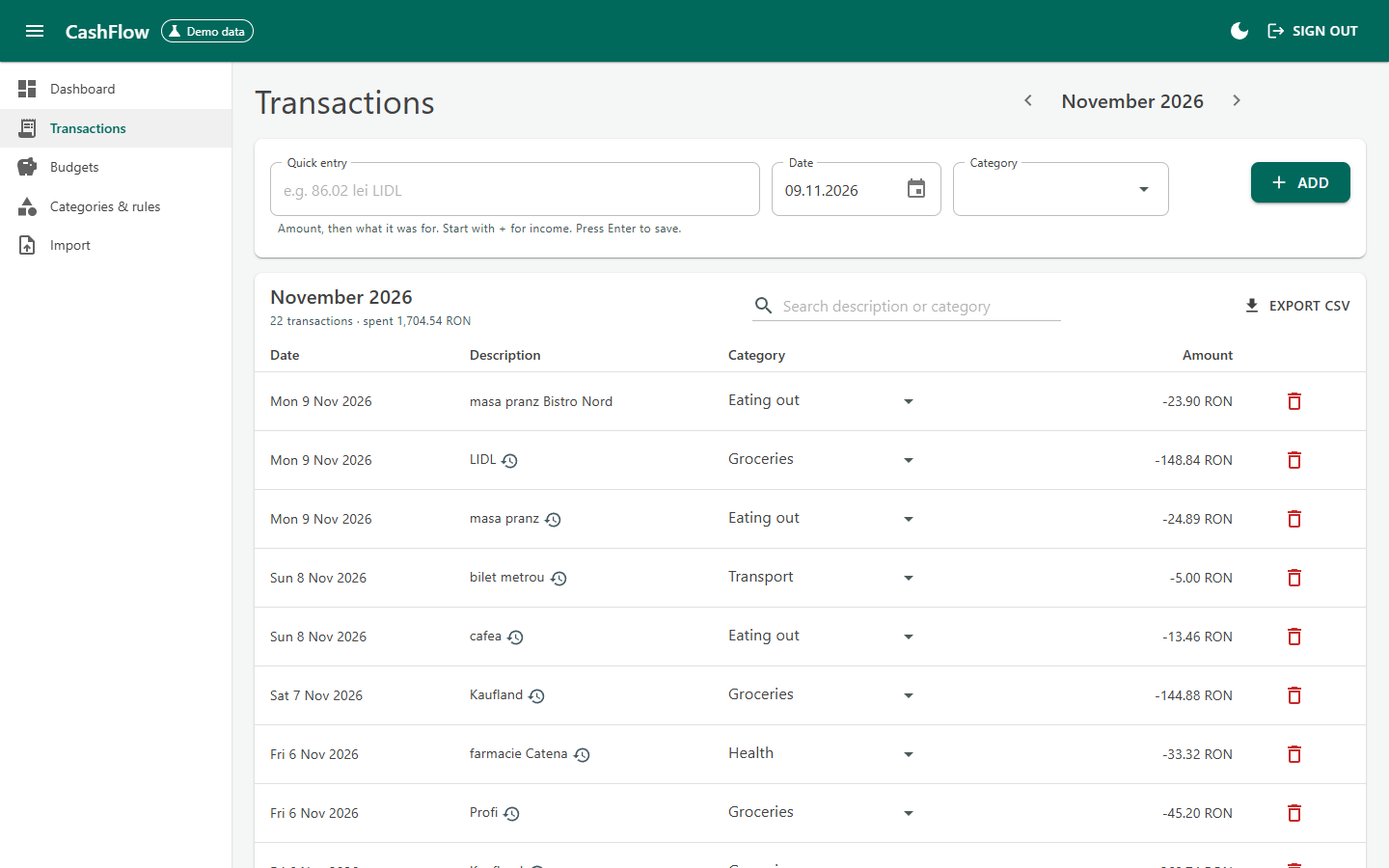
- Quick entry. One text box:
86.02 lei LIDLand Enter. The amount, currency and description are parsed as you type, and keyword rules suggest the category. A leading+records income. - History import with a safety net. The importer reads the old files and tolerates their real irregularities: Windows line endings, a date header glued to the end of the previous line, a missing or misspelled currency. Lines it can't understand are reported, never guessed. A preview shows totals, suggested categories and suspicious dates before anything is saved, and every import can be undone as a whole.
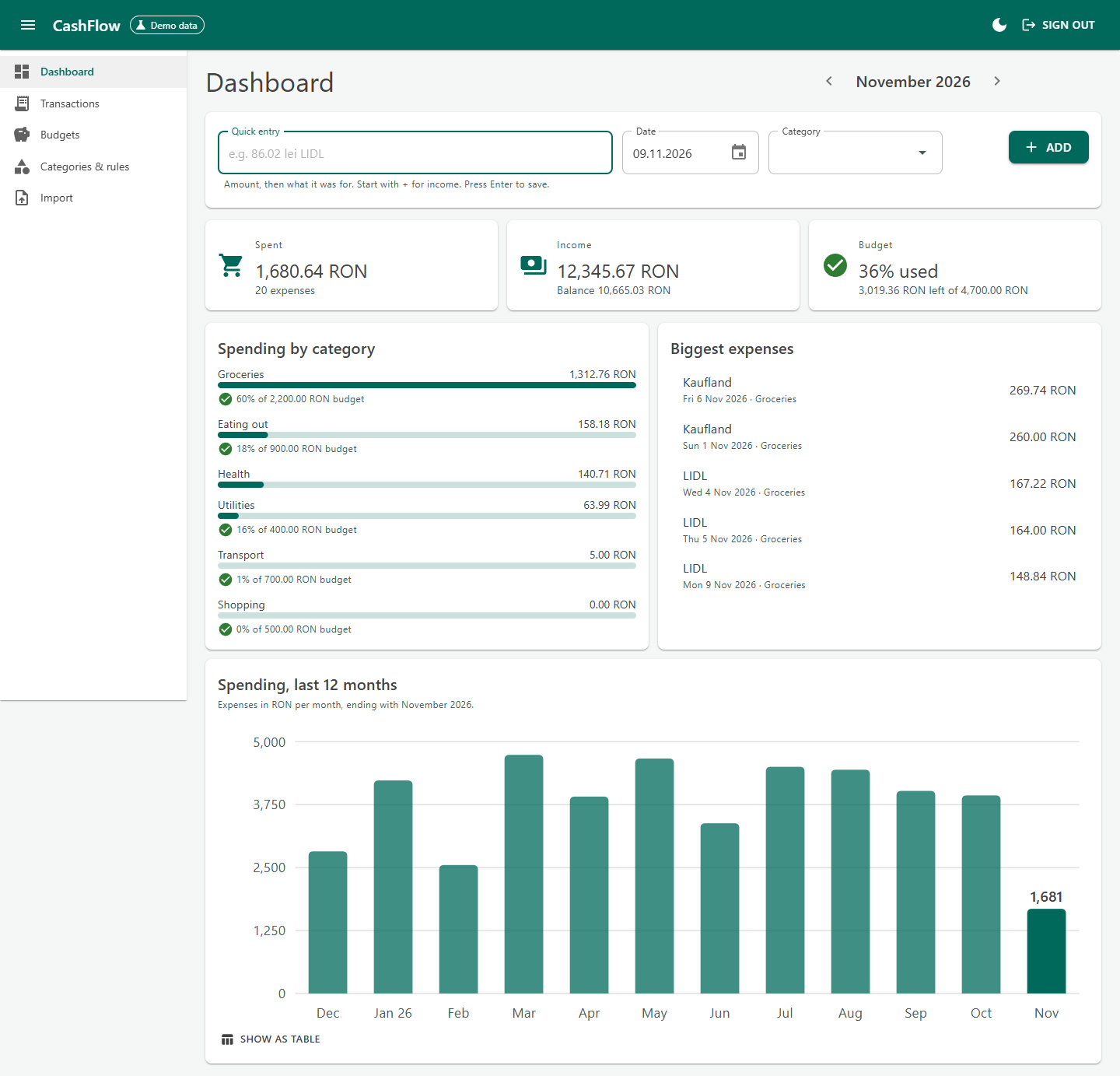
- Dashboard. The month's spending, income and budget usage, spending per category against its limit, the biggest expenses, and a 12-month trend. Budget status is always given in words and an icon, never by colour alone.
- Budgets, categories and rules. Monthly limits per category (copy from last month in one click), subcategories, and keyword rules that match whole words, ignoring case and Romanian diacritics.
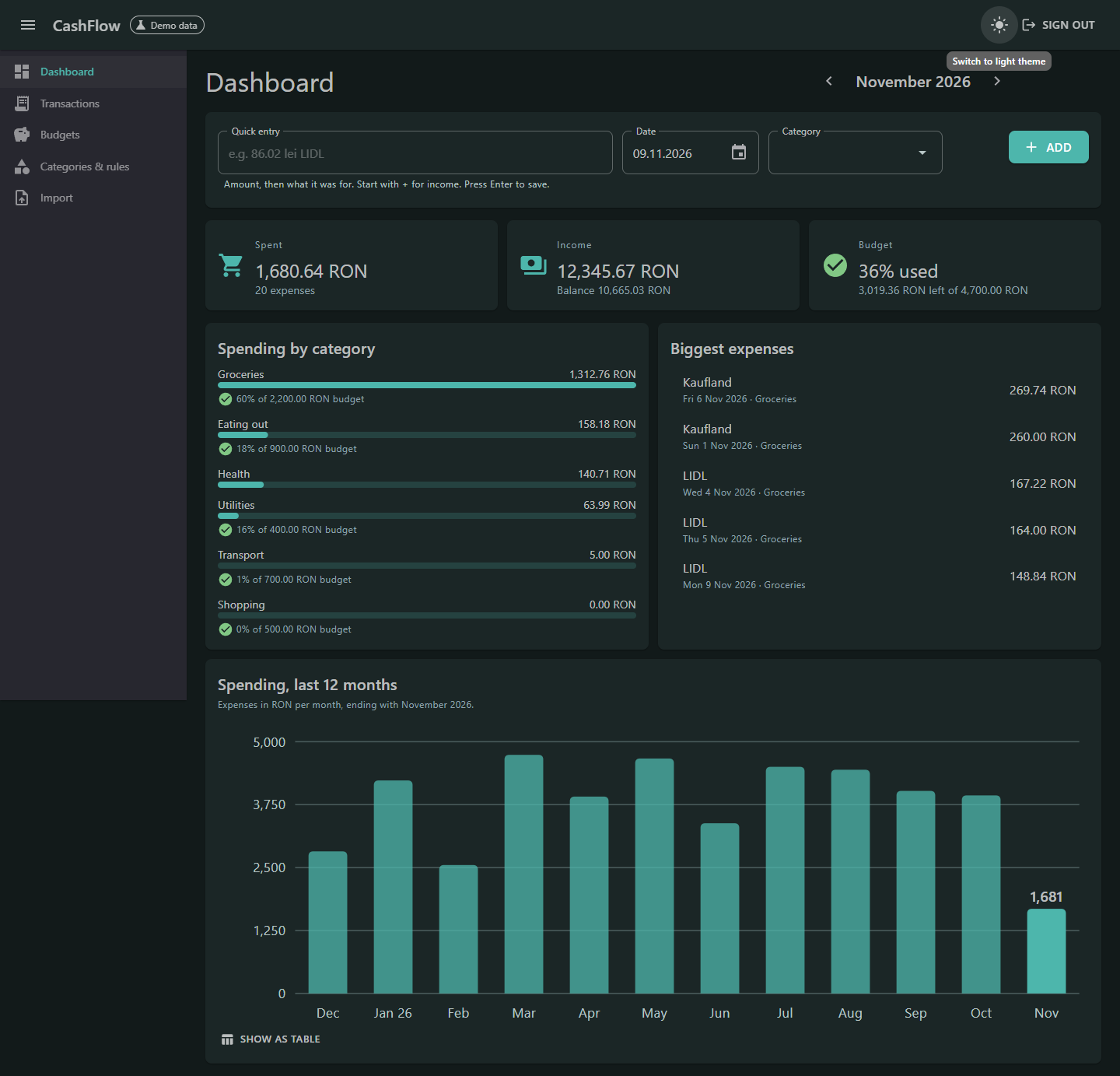
All figures, shops and files in the screenshots are synthetic demo data, generated by the end-to-end tests. The "Demo data" label in the app bar marks every demo screen.
Key engineering decisions
- Money is never a floating-point number. Every amount is an integer number of minor units plus a currency code, wrapped in a value type that refuses to add different currencies. Tests prove that 0.10 + 0.20 is exactly 0.30, and that 100,000 one-ban amounts sum without drift.
- One UI, two hosts. All screens live in a Razor class library that talks to a single service interface. The web app hosts it with Blazor Server, and the planned Android app will host the same screens with .NET MAUI and call the HTTP API instead. Only the server ever touches the database.
- Offline-ready from day one. Clients generate the transaction IDs (UUID v7) and creates are idempotent, so a phone can retry an entry after a lost connection without creating duplicates.
- Mistakes are reversible. Soft deletes, import batches that can be undone, and duplicate-file detection by content hash.
- Self-hosted for free, hardened like a server. Docker Compose runs the app, PostgreSQL and daily
pg_dumpbackups on a home PC. Phones reach it over HTTPS through a private Tailscale network, so nothing is exposed to the internet. The image is distroless, non-root and read-only. Secrets are mounted files, never environment variables. The same Compose file runs on a VPS. - A demo that can't leak real data. The demo is a separate instance with its own in-memory database and network. Every database is stamped "real" or "demo" on its first start, and the app refuses to start on the wrong kind.
- Secure by default. No public registration, sign-in required for every page and API call, and protection against password guessing.
- Requirements traced to tests. Each feature is broken into testable requirements with acceptance criteria, and each test carries the ID of the requirement it proves. A generated traceability report shows that every requirement is covered, and the build fails when one isn't. The end-to-end browser tests also produce the screenshots on this page.
- Real data informs the design but never leaves the machine. The parser was checked locally against real history files, which are never committed or shown. The check found days typed with the wrong year, and that finding became a requirement: the import preview now warns about dates outside the file's month.
Every decision is recorded as an architecture decision record, with the alternatives and the costs.


Screenshots